
Team identity
Give the rivals a shared name, history and purpose.
Another party. A life of its own.
Prepare a recurring rival team with connected profiles, shared history, reputation and a future shaped through play.

Another party with a life of its own
Prepare a believable team whose relationship with the players can change.
Give the rivals a shared name, history and purpose.
Connect descriptive roles and complementary strengths.
Show how the team is known and compared.
Develop ambitions, secrets and relationships.
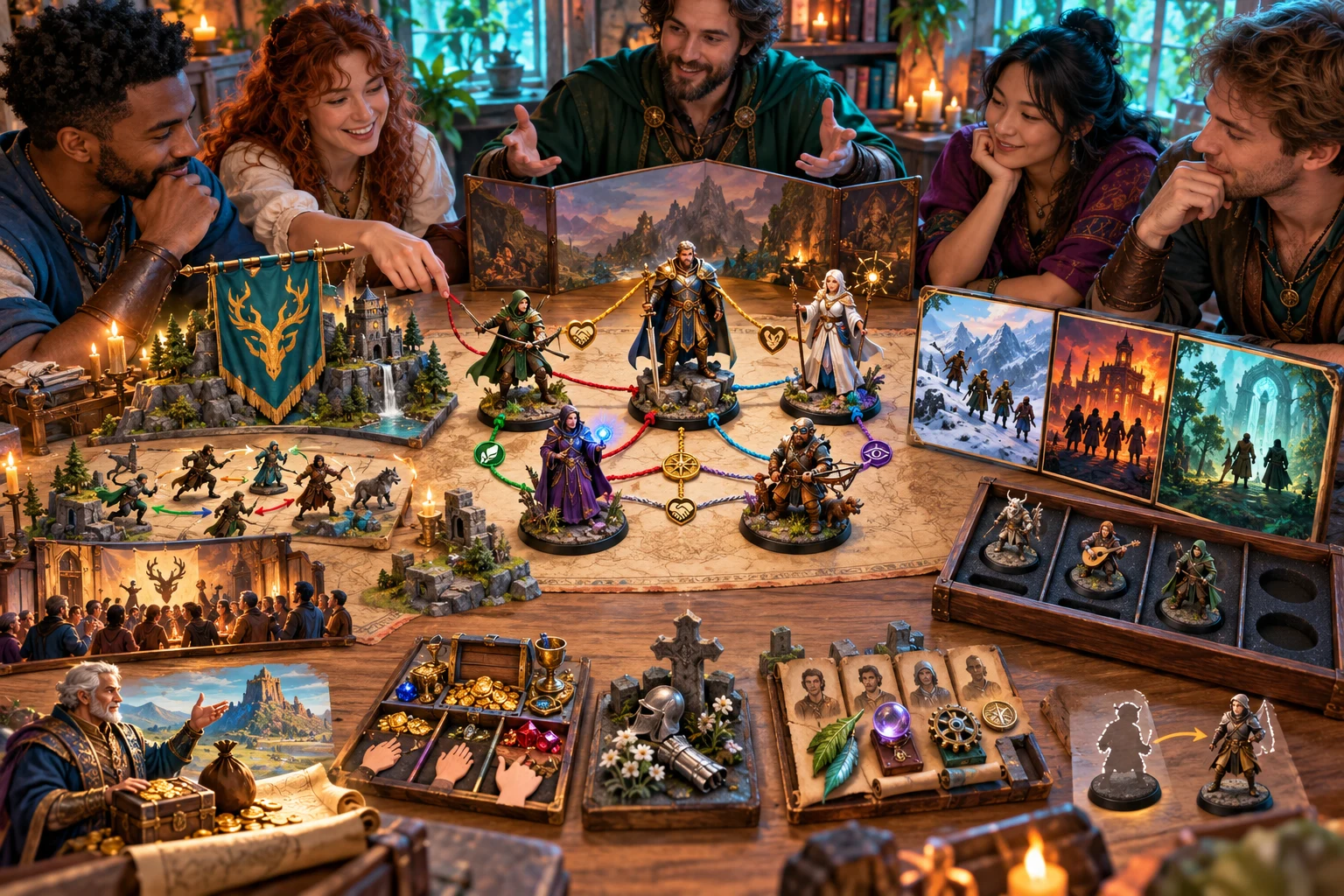
Make the team feel connected
The illustration represents rival team preparation, not an application screenshot.
Choose the party name, tier, three to six members, tone and specialty.
Add patron, methods, leadership, loot policy, secrets and future ideas.
From the group to its first appearance
Bring the team into your current adventure.
Choose tier, three to six members, tone and specialty.
Review profiles, leadership and relationships.
Develop objectives, reputation and methods.
Adapt the first encounter to your campaign.
The rival team workspace
Prepare a team with shared purpose, complementary strengths and private tensions.
Create three to six rivals with shared identity and history.
Give members descriptive roles, strengths and weaknesses.
Develop ethics, leadership, objectives and internal tensions.
Shape attitude, reputation and rivalry triggers.
Use four career stages and four appearance ideas as prompts.
Lock or reroll members, relationships, career or tactics.
Edit with undo and redo and save up to ten prior versions.
Copy or download dossier or player brief as JSON, or print.
Quick foundation and deeper direction
Use the details that make recurring rivals fit your world.
Set party name, tier, size, tone and relationship.
Add backing, ethics and the way the team works.
Develop leadership and loot policy.
Add tensions, private aims and future changes.
Refine a team worth bringing back
Keep connected details consistent as you revise.
Work on members, relationships, career or tactics.
Use undo and redo while adapting the team.
Save tags, private notes and up to ten prior versions.
Restore results and locks; review current controls.

A recurring team ready for the table
Review team identity, member profiles, roles and relationships.
Use career stages and appearance ideas to prepare future meetings.
Review changed names, roster references and the selected dossier or player brief before sharing.
Recurring characters. Open developments.
Use preparation prompts and record what actually happens in play.
Develop roles and strengths for roleplay and planning.
Use four stages and four appearance ideas as suggestions.
Use optional outline notes to prepare a confrontation.
Review edited names and roster references before sharing.
Generator access and pricing
Choose access for this selected generator or an eligible pack.
Review current standalone access and pricing.
Check whether a current pack includes this generator.
Use your account to review premium product access.
Create a free VISINVOKE account; premium access remains separate.
VISINVOKE means value
Bring identity, member chemistry, reputation and future appearances together.

Connect the team through shared history, methods and purpose.
Develop descriptive roles, strengths and relationships.
Save account library records and revisit the team later.
Use career and appearance prompts as the campaign develops.
Explore your VISINVOKE workspace
Each card opens its own product website. Review purpose and access separately; related products do not promise included access or automatic synchronisation.

Open your VISINVOKE desktop products.

Prepare a live exchange after an established social mistake.

Build the wider setting around your campaign.

Develop the places your party travels through.

Explore separate adventure environments.

Explore separate fantasy image creation.
Product artwork is illustrative, not application screens or actual generated image output.
Quick answers
Understand member profiles, career prompts, refinement, saved versions and reviewed briefs.
Prepare a recurring group of three to six rivals with a shared identity, history, descriptive member profiles, relationships, methods, reputation, objectives, tensions and a first appearance. Adapt the starting names and roles to your campaign.
Quick mode chooses party name, tier, size, tone, relationship to the player characters and specialty. Deep mode adds patron, methods, leadership, secrets, loot policy and future ideas. Quick mode keeps existing Deep settings. Review your controls before generating.
Four career stages and four appearance ideas suggest future developments, losses, replacements and encounters. Use those prompts to develop the team through play and record actual events in edits and notes. The generator does not advance the rivalry automatically.
Edit structured results with undo and redo. Lock or reroll members, relationships, career or tactics as a section; complete generation replaces all sections. Review rebuilt player summaries and roster references. Save library records with tags and private notes and up to ten prior versions; search, rename, duplicate, delete or reopen. Reopening restores results and locks while current input controls stay unchanged.
Copy or download the full dossier or separate player brief as JSON, or print the current view. The brief describes generated names, roles, visible strengths, reputation and known attitude. Review names, relationships, roster references and audience suitability after editing or rerolling before sharing.
Member profiles describe roles, strengths and weaknesses for roleplay and planning, not complete combat statistics. An optional preparation outline for the first three or four members stays inside the dossier, with member references, objective and an abstract confrontation site. Use these notes to prepare a separate encounter. It does not directly transfer to Combat Pro or control live combat. Open the generator in Desktop Command Centre and review current account access.
Continue in VISINVOKE
Create a free VISINVOKE account and review current generator access.
Use your account installer page for Desktop Command Centre.
Open Rival Adventuring Party Generator from the Generators collection.